
-

ERE-certificaat geschikt
-

ERE-certificaat geschikt
-

ERE-certificaat geschikt
-

ERE-certificaat geschikt
-

ERE-certificaat geschikt
-

ERE-certificaat geschikt
-

ERE-certificaat geschikt
-

ERE-certificaat geschikt
-

ERE-certificaat geschikt


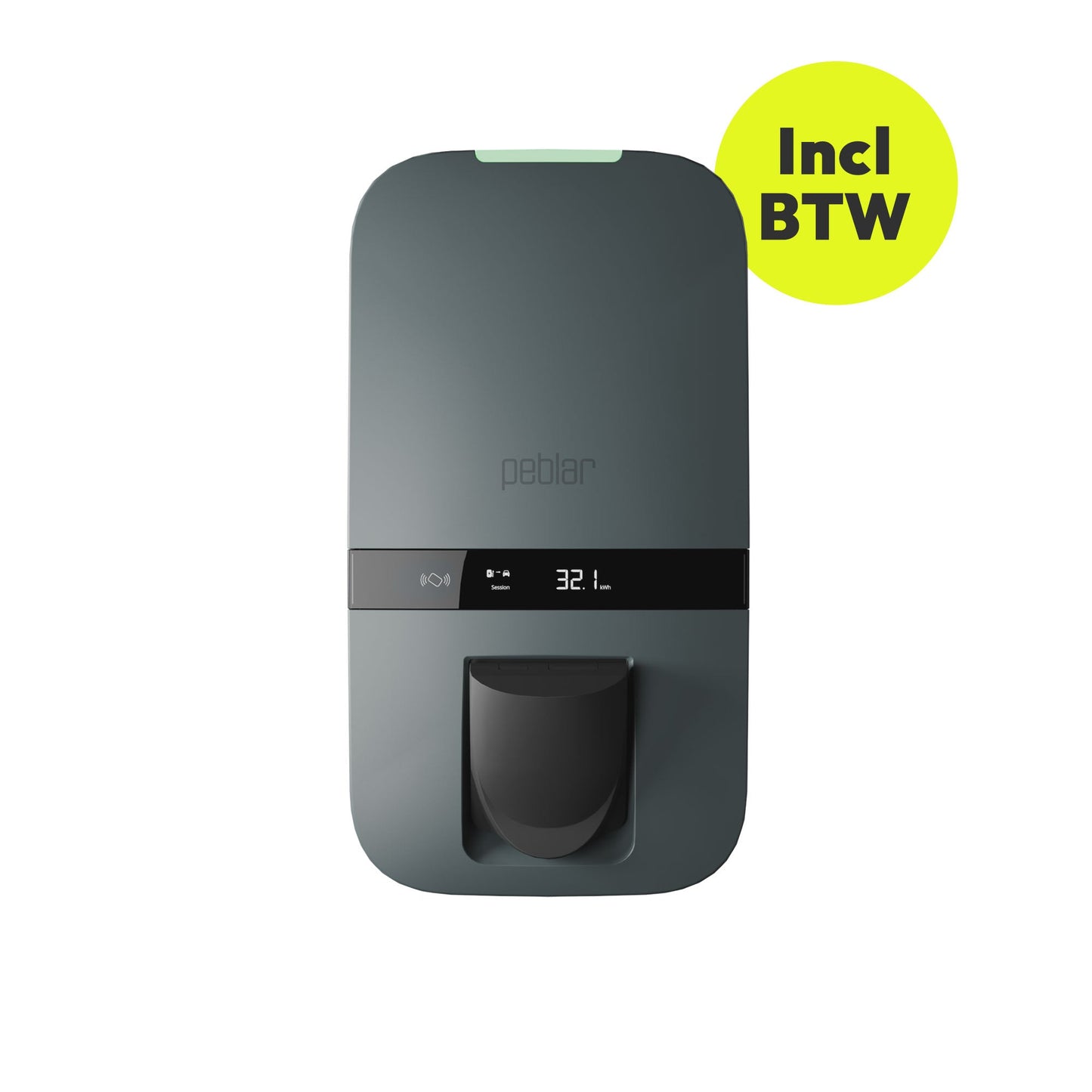
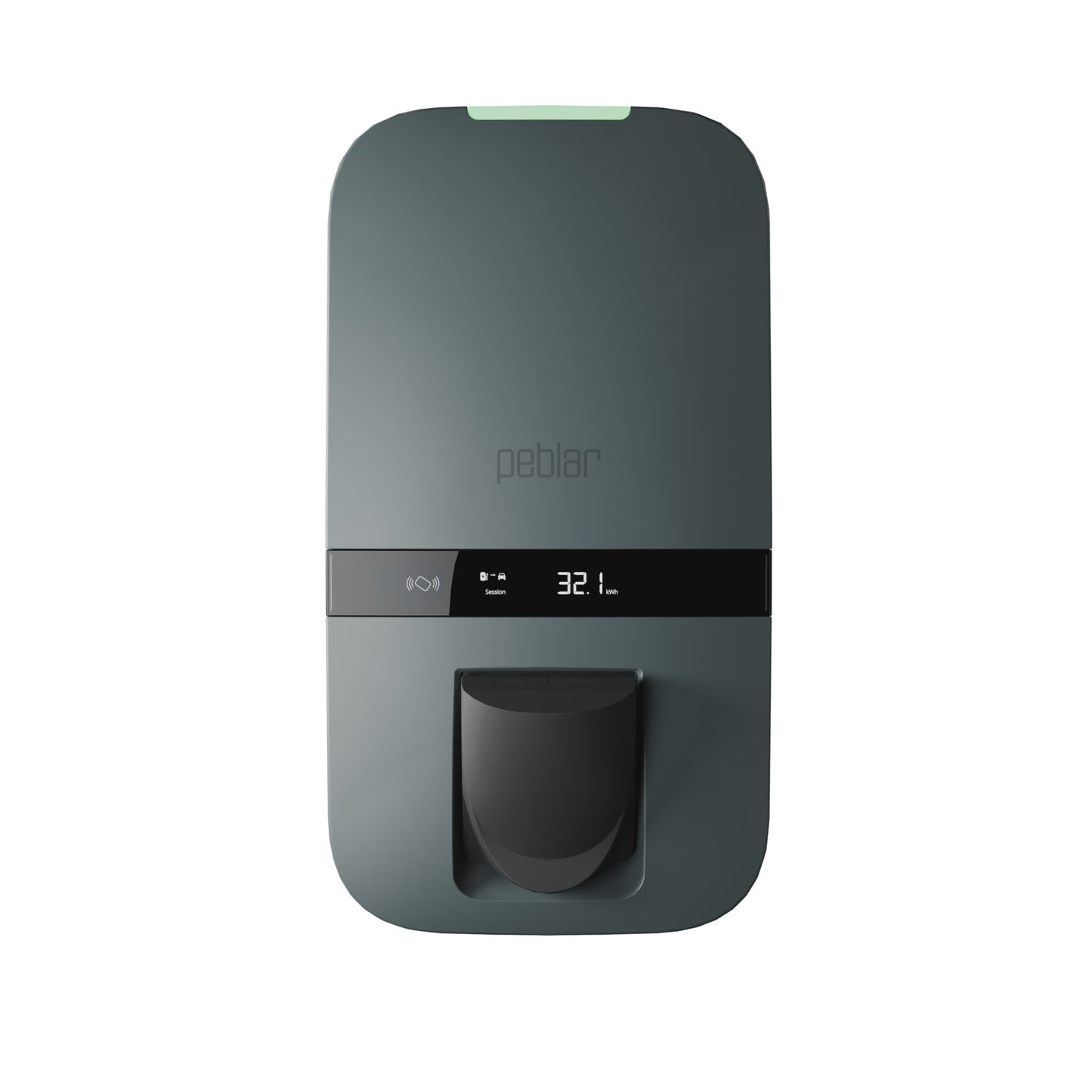
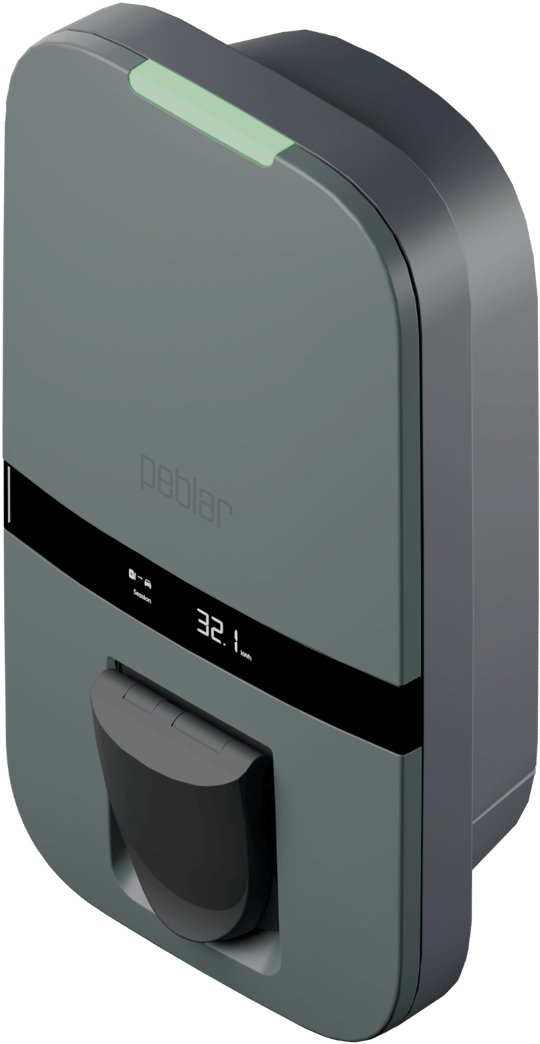
Peblar Business 22kW MID Socket
Peblar Business 22kW MID Socket
In stock
Couldn't load pickup availability
Waarom kiezen voor ons?
✔ Op werkdagen voor 21:00 uur besteld, vandaag verzonden*
✔ Gratis verzending in Nederland & België
✔ 30 dagen bedenktijd
✔ Ophalen mogelijk
✔ Achteraf betalen mogelijk
Plus- en minpunten
- Geschikt voor zonne-energie
- Loadbalancing via homewizard
- Standaard vaste kabel
- Duidelijk display
- Backoffice-integratie
Product Description
Product Description
Peblar Socket Business – the future-proof charging solution for business use
The Peblar Socket Business is the perfect choice for companies looking for a powerful, flexible and reliable charging solution. Designed to handle intensive use, this charging station not only offers advanced functions for cost management and energy optimization, but is also bi-directional ready, meaning it is prepared for the future of Vehicle-to-Grid (V2G) and Vehicle-to-Home (V2H) technology
Please note: at this moment, a software update is first required before bi-directional charging (V2G) can function. In addition, the laws and regulations for this still need to be finalized. It is still unclear how long this process will take; it may take some time.
Why choose the Peblar Socket Business?
With its versatility and robust construction, the Peblar Socket Business is ideal for offices, retail premises and public charging locations. Bi-directional compatibility will allow you to feed energy from your vehicle back to the grid or your own energy system in the future.
Key features of the Peblar Socket Business
-
Bi-directional ready: Prepared for V2G and V2H functionality, allowing you to feed energy back for extra flexibility and cost savings. Bi-directional charging via AC power.
Please note: at this moment, a software update is first required before bi-directional charging (V2G) can function. In addition, the laws and regulations for this still need to be finalized. It is still unclear how long this process will take; it may take some time.
- Flexible charging socket: Suitable for various charging cables, making it versatile.
- Powerful charging capacity: Supports charging capacities from 3.7 kW to 22 kW, depending on the main connection and vehicle.
- Integrated MID meter: For accurate business cost accounting.
- Dynamic load balancing: Optimizes the distribution of available power via current transformers or wireless HomeWizard P1 dongle.
- Future-proof design: Compatible with solar energy and home energy management systems.
- OCPP 1.6-J communication protocol: Seamless integration with charging management systems for real-time monitoring and management.
- Robust construction: Designed to withstand intensive use, with high-quality components on a single integrated circuit board.
- Quick to install: Professionally installed in less than 30 minutes.
- LED status indication: Clear visual feedback on charging and bi-directional status.
Three-year factory warranty for carefree use
With the Peblar Socket Business, you get a standard three-year factory warranty. This means that any manufacturing or material defects will be remedied free of charge by the manufacturer, ensuring you always have a properly functioning charging station.
A charging solution ready for the future
Thanks to the expertise of Prodrive Technologies, the Peblar Socket Business is not only designed for current business needs, but also fully prepared for the future of bi-directional charging and smart energy management.
Specifications at a glance:
- Charging power: 3.7 kW to 22 kW.
- Bi-directional ready for V2G and V2H applications.
- Integrated MID meter for cost accounting.
- Dynamic load balancing via current transformers or wireless P1 dongle.
- Suitable for integration with solar energy and energy management systems.
- OCPP 1.6-J support for connection with charging management systems.
- Flexible charging socket for various charging cables.
- Suitable for wall mounting or placement on a mounting pole.
- High-quality IT security and intuitive operation via a web application.
- Professional installation within 30 minutes.
Order the Peblar Socket Business today!
Choose the Peblar Socket Business and offer your company, employees or customers a future-oriented charging solution with the benefits of bi-directional compatibility. Do you have any questions? Feel free to contact our customer service team – we are happy to help!
User Manual
User Manual



Delivery time
We aim to deliver this item in a timely manner. Orders placed on weekdays before 9:00 PM are normally shipped the same day via PostNL. In most cases, the order will be delivered the next business day.
If a different delivery time has been indicated, this serves as a guideline. Please also note that we cannot be held responsible for any delays
-

Quick and Easy Installation
Peblar chargers can be installed quickly and easily by a professional installer, so you can charge your vehicle with minimal disruption.
-

Robust and Secure Design
Charging your vehicle should be as simple and carefree as driving itself. That's why Peblar charging stations are designed to be the most reliable and user-friendly chargers on the market.
-

Powerful Performance
With a nominal power of up to 7.4 kW for single-phase charging and 22 kW for three-phase charging, Peblar chargers meet a wide range of charging needs for private, public, and semi-public applications.


Peblar Key Features

Charging power 3.7 kW - 22 kW

Dynamic Load Balancing

Solar Charging

3-Year Warranty

Charging schedule options

FAQs
The light on top of the charger can show different colours, each indicating the status of the charger.
- Solid Red: The charger is in recovery mode; a firmware package must be installed on the charger.
- Flashing Red: The charger is experiencing an issue resulting in an error that prevents the charger from being used.
- Solid Yellow: The charger has not yet been commissioned and needs to be set up, or a firmware update is being installed.
- Solid Blue: The charger is connected to the EV and ready to start the session.
- Flashing Blue: The charging session is in progress and power is being supplied to the EV.
- Solid Green: The charger is ready for use when an EV is not connected, or an EV is connected but not authorised to charge.
- Flashing Green: The EV has been authorised to charge.
- No colour visible: The LED feedback is set to 0% or the power is off.
The charger display shows several things.
1. Charging or discharging
2. Energy / cost of the charging session / total
3. Energy tariff
4. Unit of displayed number, kWh, €, or €/kWh
5. Indication of whether displayed energy corresponds to current session or lifetime
The Peblar Business charging station can be managed by a back office and includes an integrated MID-certified energy meter. This product can be used for billing if, for example, you have a lease car.
The Peblar Business charger supports both dynamic load balancing and group load balancing. A later firmware version will also support dynamic group distribution.
The Peblar business can be remotely updated when connected to a back office and thus managed by a Charge Point Operator (CPO).
Yes, the Peblar Business is suitable for both pole and wall mounting.
The Peblar contains a predefined set of parameter values to establish a successful connection with one of the compatible back offices. The installer only needs to add the Charge Point Operator (CPO) domain during the commissioning process for the Peblar charger to be added to the desired CPO.